

Shoulder Tension From Typing All Day: Fix It Now
Quick Summary
Shoulder tension from typing all day usually comes from a desk setup that keeps your shoulders raised for hours. Set your knees and elbows at about 90 degrees, place the screen at eye level an arm's length away, and take a two-minute movement break every hour.
- Keep knees and elbows at roughly 90 degrees, with forearms level with the desk.
- Place the screen at eye level, about 50-70 cm away, to avoid neck craning.
- Take a two-minute movement break every hour to release built-up tension.
- Do shoulder rolls and chin tucks during the day to ease tension before it builds.
- Get a physiotherapist or doctor to check ongoing, worsening pain or any numbness.
Table of Contents
- Setting Up Your Desk to Ease Shoulder Tension
- Stretches for Shoulder Tension at Work
- How to Relieve Desk Neck Pain and Choose Relief Tools
- Frequently Asked Questions
Setting Up Your Desk to Ease Shoulder Tension
Shoulder tension from typing all day often starts with your workstation setup: a keyboard too high or a screen too low keeps your shoulders raised for hours. Browse neck, upper back and shoulder products that can support these stretches. These settings take under ten minutes to check.
Sit with feet flat and knees at roughly 90 degrees; use a footrest if your feet dangle. Set seat depth so you can slide two fingers behind your knee.
Bend your elbows at about 90 degrees, forearms level with the desk and shoulders dropped away from your ears. Keep the keyboard close enough that your upper arms stay vertical, and keep the mouse at the same height and immediately beside it.
Place the screen at eye level, roughly an arm's length away (about 50-70 cm). If you wear bifocals, you may need it slightly lower to avoid craning your neck.
A wrist rest keeps your forearms supported between tasks. The Mouse Pad Keyboard Wrist Rest Memory Foam Mouse Pad (Mouse Pad Keyboard Wrist Rest Memory Foam Mouse Pad) gives your wrists a soft place to rest, and the Keyboard Mouse Comfort Bundle (Keyboard Mouse Comfort Bundle) helps reduce reaching and hunching.
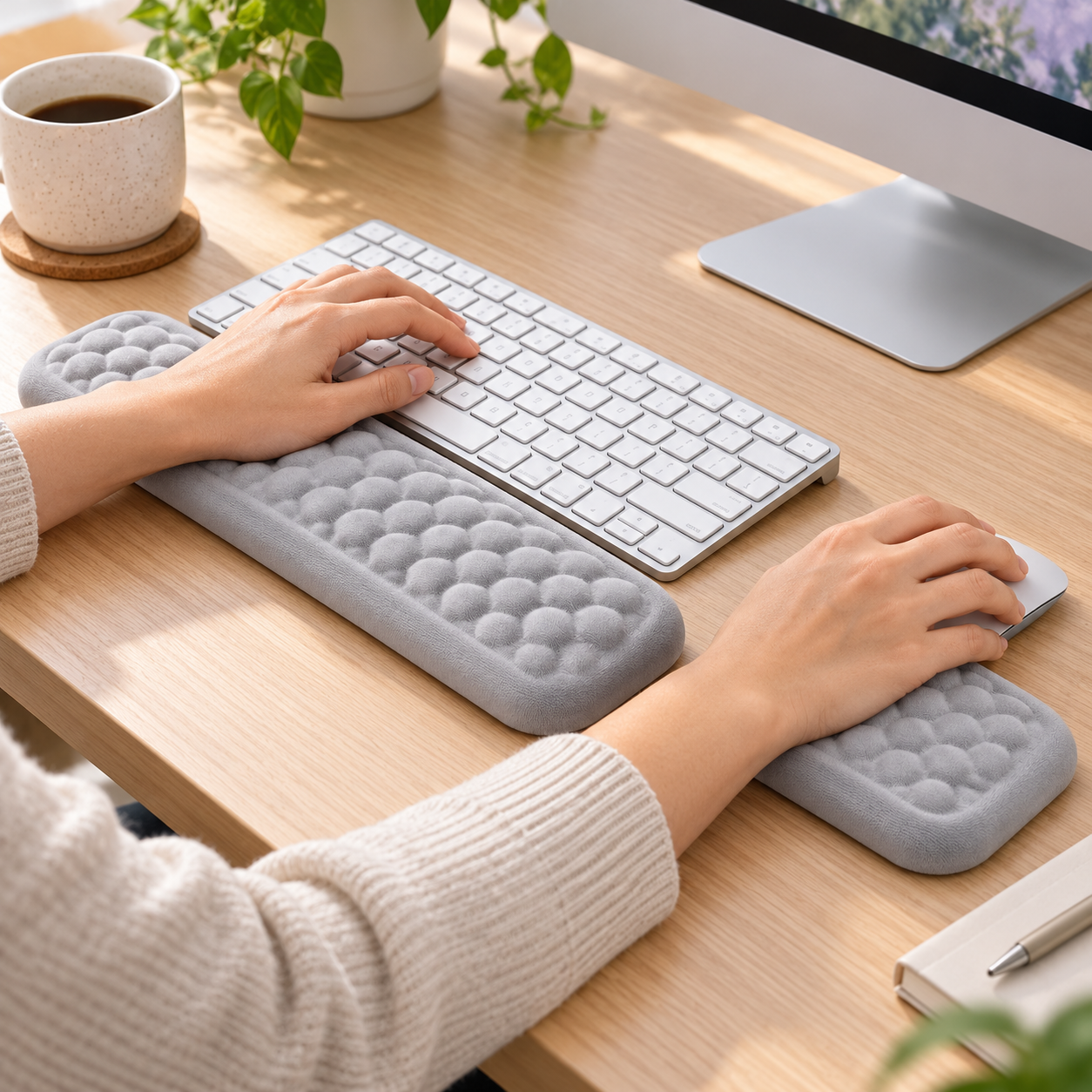
Watch out: A wrist rest should support your forearms, not your wrists; resting on a hard edge can add pressure to the hands and make shoulder tension worse.
High-stress work keeps the shoulders elevated regardless of desk setup. Build two-minute movement breaks into every hour: stand, roll your shoulders back five times, and reset your posture.
These are the desk settings the article recommends to keep your shoulders from staying raised all day.
| Setting | Target | Why it matters |
|---|---|---|
| Knee angle | About 90 degrees | Supports seated posture |
| Elbow angle | About 90 degrees | Keeps forearms level with desk |
| Screen distance | Arm's length (about 50-70 cm) | Avoids neck craning |
| Screen height | Eye level | Prevents head tilting forward |
| Movement break | Every hour, about 2 minutes | Releases built-up tension |
Stretches for Shoulder Tension at Work
Short stretches during the day help release tension before it builds. Do each slowly and stop if anything feels sharp.

- Shoulder rolls: Lift your shoulders up, roll them back, then let them drop. Repeat 10 times.
- Chin tucks: Gently draw your chin straight back. Hold for 5 seconds. Repeat 5 times.
- Doorway chest stretch: Place your forearms on a doorframe and lean forward gently. Hold for 20 seconds.
- Arm across chest: Pull one arm across your body and hold for 20 seconds. Switch sides.
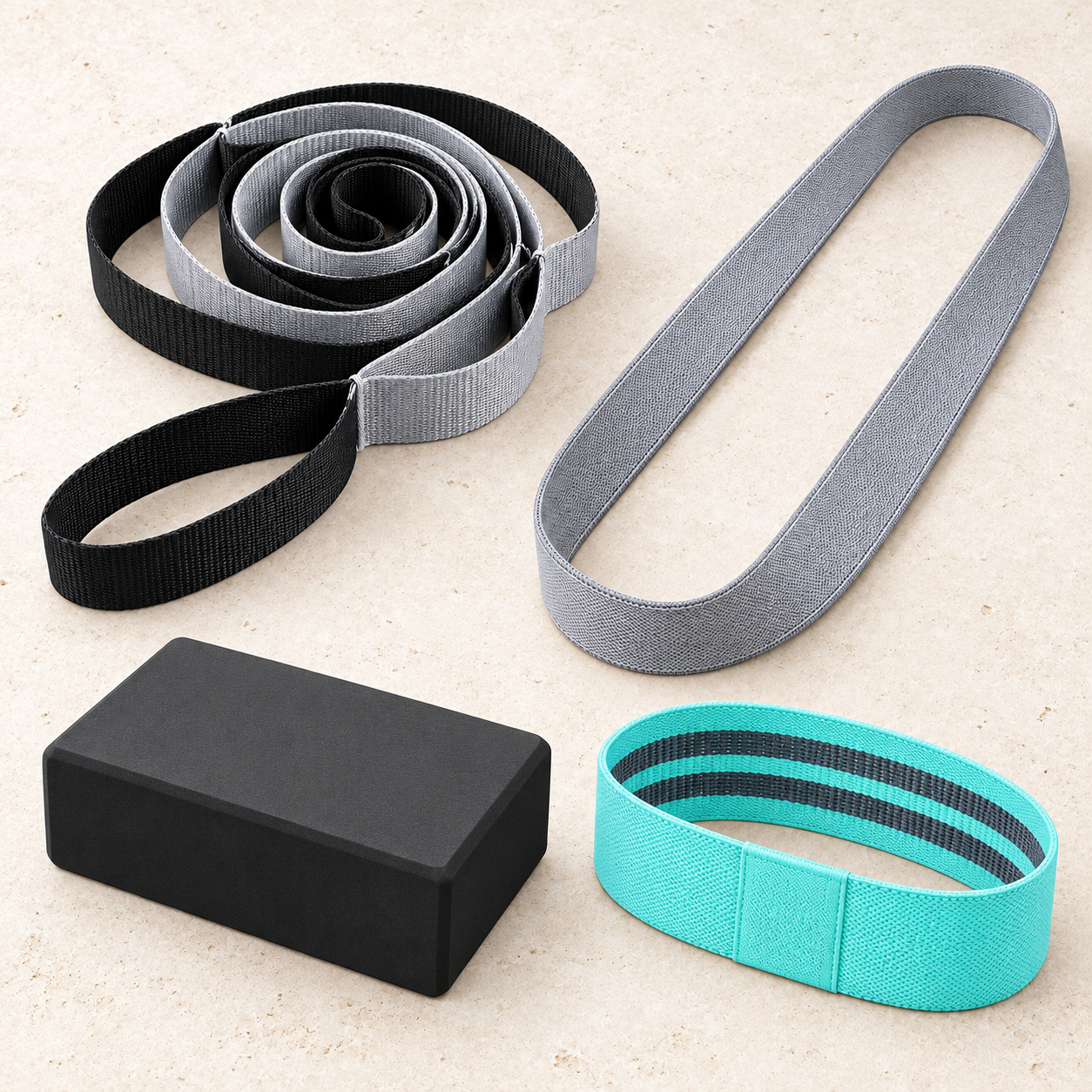
A stretch belt makes the arm stretches easier to hold. The Stretch & Mobility Bundle (Stretch & Mobility Bundle) includes a stretch belt and resistance loop.
How to Relieve Desk Neck Pain and Choose Relief Tools
Desk neck pain and shoulder tension often happen together: your neck tilts forward, and your upper back and shoulders work harder to hold your head up. Relief comes from breaks, targeted tools, and an after-work routine.
Take a two-minute break every hour, stand, walk, and do two or three stretches above. If you cannot leave your desk, do five slow shoulder rolls and five chin tucks, then reset your chair and screen.
Choose tools that fit your problem:
- Tight shoulders at the desk: a wrist rest or comfort bundle to stop reaching and hunching
- Stiff back after sitting: a seat and back cushion to support the lumbar curve
- Knots in the neck and shoulders: a massage ball you can hold or press against a wall
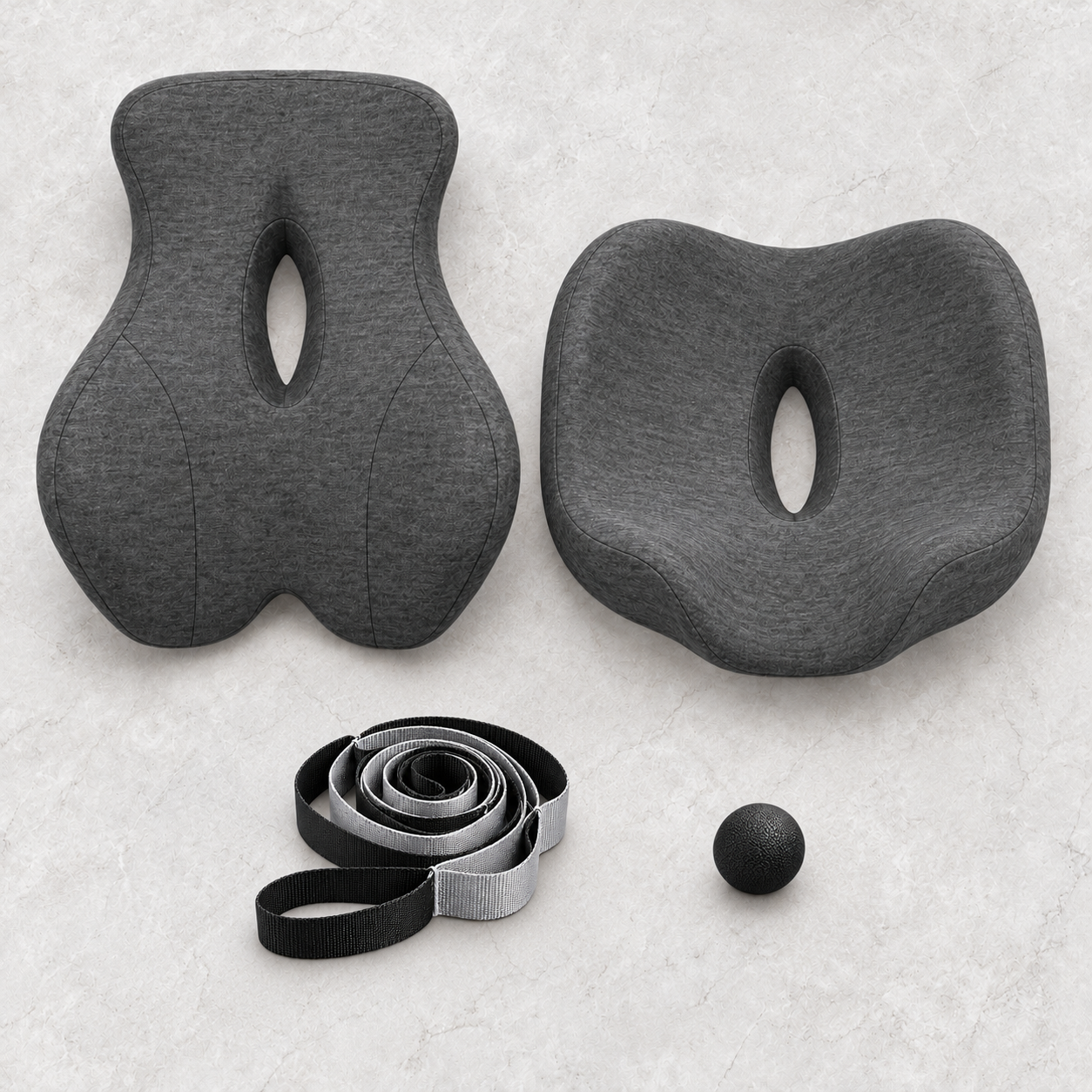
The Back Comfort & Stretch Bundle (Back Comfort & Stretch Bundle) at AUD $144.99 combines seat support with stretching and massage tools.
Watch out: Ongoing pain, numbness, or pain that gets worse should be checked by a physiotherapist or doctor. Do not use a massage ball aggressively on the front of the neck or on any area that produces dizziness or tingling.
Frequently Asked Questions
Why do my shoulders get so tight when I type?
Typing keeps your shoulders, neck and upper back in a fixed position for long stretches, so the trapezius and surrounding muscles work continuously without rest. Reaching forward for the keyboard or mouse adds load, and tension builds gradually across the day. Setting your keyboard at elbow height, keeping your elbows close to your body and taking short breaks every 30 to 45 minutes can reduce how much tension accumulates.
What are the best stretches for shoulder tension from typing?
Simple options include shoulder rolls, chin tucks, a doorway chest stretch and gentle shoulder blade squeezes. Hold each stretch for around 20 to 30 seconds and move slowly without bouncing. Do them a few times during the working day rather than all at once. Stop if you feel sharp pain, numbness or tingling, and speak with a health professional if discomfort persists.
When should I see a physiotherapist for desk-related shoulder pain?
See a physiotherapist or GP if shoulder or neck pain lasts more than a couple of weeks, wakes you at night, spreads down the arm, or is accompanied by numbness, tingling or weakness. Ongoing pain that stops you working or sleeping also warrants a professional assessment. A physiotherapist can check your posture, movement and muscle strength and give a plan tailored to you.
